 This function is only available to users with the System Administrator role
Edit configuration settings
A system administrator can edit various system parameters.
-
On the System Administration screen, click .
The Configuration Settings screen appears. Related parameters are grouped. Some parameters apply only to particular products; for example, Public Protection.
-
To filter the parameters, do any of the following:
-
Select a parameter group from the Group list.
-
Type all or part of parameter name in the Name box and click .
-
Select a product or module from the Application list.
-
-
Make the required changes.
For some parameters, you can click Edit Html to open an HTML editor in a separate tab of your browser.
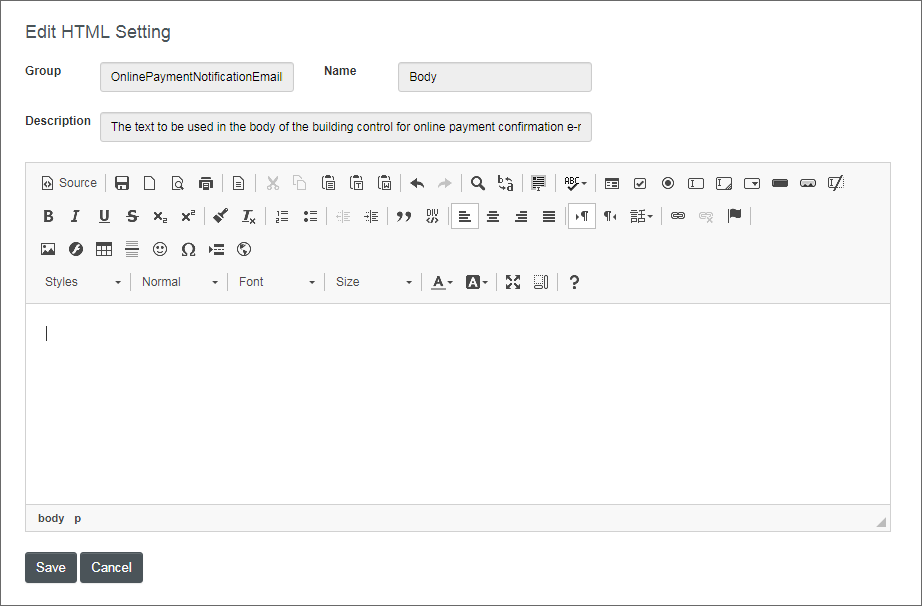
Misspelled words are marked like this. Use Ctrl+RightClick to see spelling suggestions.
-
Click .
All mandatory settings should have values before the Configuration Settings screen can be closed.
See the list of tasks under What do you want to do? for more specific instructions.
